Firestick Buffering UK: Find the Cause and Stream More Smoothly
A spinning loading icon can interrupt a film every few minutes, but your Firestick may not be the only possible cause. Firestick buffering in the UK can result from weak Wi-Fi, busy home broadband, an application problem or a device issue. Before changing settings or purchasing additional equipment, it is worth understanding where the interruption begins. A few simple checks can help you identify the source and choose a solution that makes sense for your home.
Across the UK, many households use their broadband connection for several activities at once. Someone might be watching television while another family member attends a video meeting, downloads a large file or plays an online game. These activities can compete for available network capacity, particularly during busy evening periods. Understanding how your household uses its internet connection is an important first step when investigating Firestick buffering UK problems.
Diagnose the Cause of Firestick Buffering in the UK
Buffering can appear in different ways. A programme might stop loading, an application could become unresponsive, or the picture may suddenly lose quality. Firestick buffering UK problems are easier to investigate when you identify exactly what happens rather than treating every interruption as the same technical fault.
Check Whether One App or Every App Buffers
Start by testing a different programme within the application you normally use. Then open another legitimate streaming application and compare its playback. If one application experiences interruptions while another works normally, the problem may be related to that particular service, its application or its content delivery system.
This comparison is useful because it prevents unnecessary changes to your entire network. When investigating Firestick buffering UK issues, check the streaming provider’s official help centre or service-status information to see whether a temporary outage has been reported. Sometimes the problem is outside your home and requires no router adjustments.
Compare the Firestick With Other Devices
Try playing a video on a phone, tablet or smart television connected to the same Wi-Fi network. Ideally, perform the comparison in the same room where your Firestick is installed. If several devices experience interruptions simultaneously, the broadband connection or streaming service may be involved.
However, if other devices work normally while the Firestick continues buffering, investigate its position, software and installed applications. This simple comparison provides useful evidence when diagnosing Firestick buffering UK problems because it helps separate a device-specific issue from a wider household connection problem.
Look for Patterns in Time and Location
Pay attention to when buffering starts. Does it happen mainly between 7 PM and 11 PM, during weekends or whenever several people are using the internet? Evening congestion can affect some households more noticeably than daytime activity.
Location matters too. A Firestick connected in a bedroom or upstairs living space may receive a weaker wireless signal than a device positioned close to the router. Recording these patterns can help explain Firestick buffering UK problems and provide useful information if you eventually need assistance from your broadband provider.
Improve Firestick Wi-Fi Without Changing Your Broadband Plan
A more expensive broadband package does not automatically guarantee better wireless coverage in every room. The distance between your router and television, building materials and nearby electronic equipment can all influence reception. When investigating Firestick buffering UK problems, begin with practical adjustments that do not require a new subscription.
Check the Firestick and Router Position
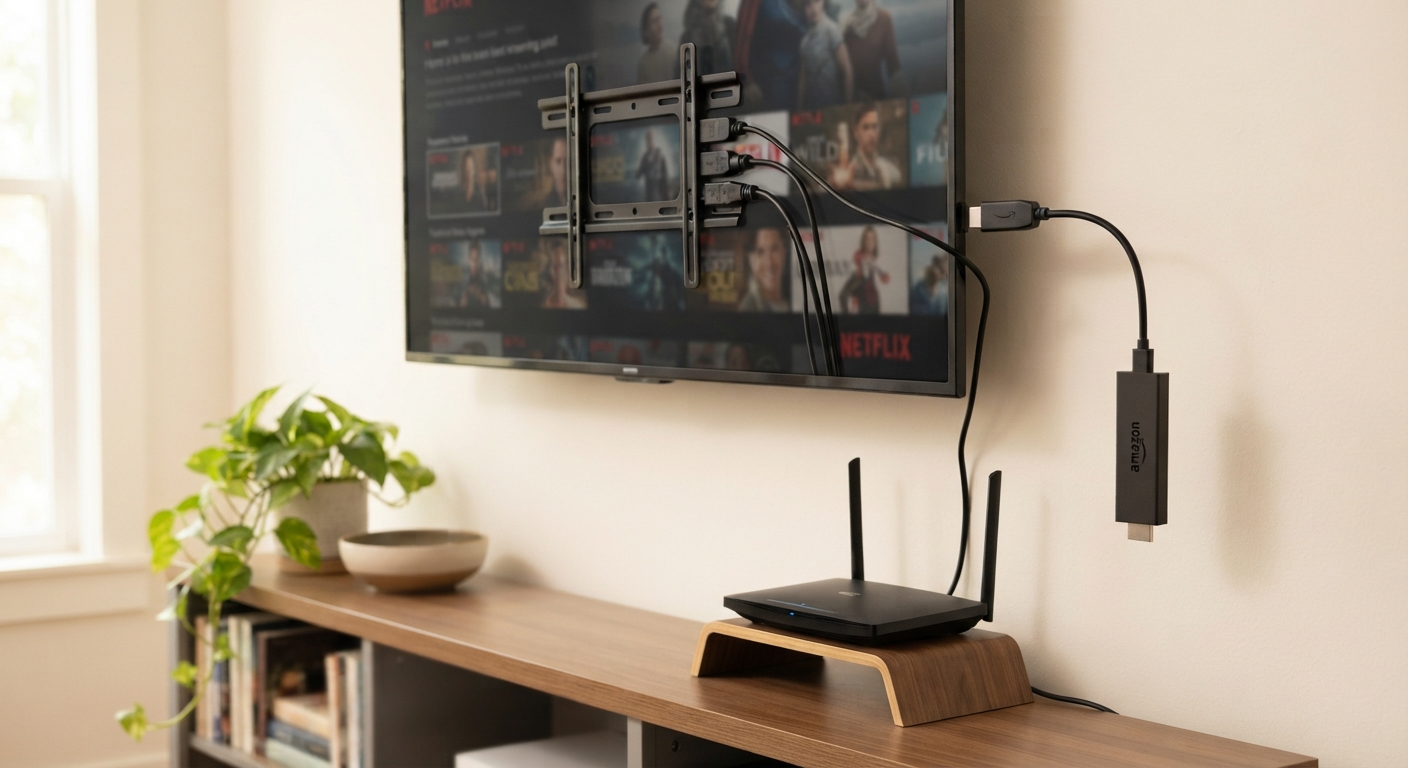
If your Firestick is tucked tightly behind a large television, its position may affect wireless reception. Metal television brackets, furniture and nearby electronic equipment can sometimes interfere with the signal. Moving the device into a more open position may help improve its connection and reduce Firestick Buffering UK problems.
A compatible HDMI extender can provide additional flexibility when positioning the streaming stick. It allows the device to sit slightly away from the television rather than remaining directly behind the screen. When addressing Firestick Buffering UK issues, also make sure that the power cable reaches safely and that the device has enough room for natural airflow.
The router deserves attention as well. Avoid placing it inside a closed cabinet or directly on the floor where possible. A central, slightly elevated position can provide more consistent coverage throughout the property. Small placement adjustments are often worth testing before considering expensive networking equipment.
Test the Available Wi-Fi Bands
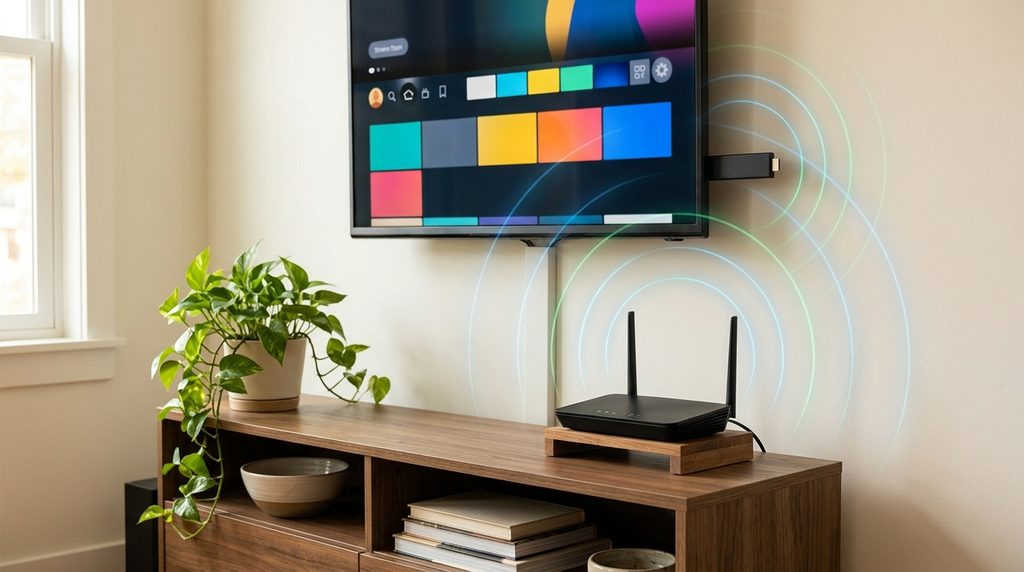
Many modern broadband routers support both 2.4 GHz and 5 GHz wireless networks. Each frequency has different characteristics, and the better option depends on your home layout, router and Firestick model.
The 2.4 GHz band generally travels farther and can pass through walls more effectively. However, it is also commonly used by other household devices and nearby wireless networks. The 5 GHz band can provide faster connections over shorter distances, particularly when there are fewer physical obstacles.
If both devices support these options, compare their performance from the television’s normal viewing position. Testing both bands is a practical way to investigate Firestick buffering UK problems without assuming that the faster frequency will always provide the most reliable result.
Some broadband hubs combine both frequencies under one network name and automatically select a suitable connection. In that situation, check the manufacturer’s instructions before changing wireless settings or disabling automatic network selection.
Try Ethernet if Your Setup Allows It
A wired Ethernet connection is another option for compatible Fire TV devices. Unlike Wi-Fi, Ethernet does not rely on a wireless signal travelling through walls or furniture. This can make it useful in rooms where wireless coverage is inconsistent.
However, not every Firestick model supports a direct Ethernet connection. Some setups require a compatible adapter, and the correct equipment depends on the specific device. Check Amazon’s official compatibility information before purchasing anything.
When troubleshooting Firestick buffering UK problems, compare playback using Wi-Fi and a supported wired connection. If Ethernet improves performance, wireless coverage may be contributing to the issue. If playback remains inconsistent, investigate the application, broadband service or device instead.
Check for Broadband Congestion and Home-Network Problems
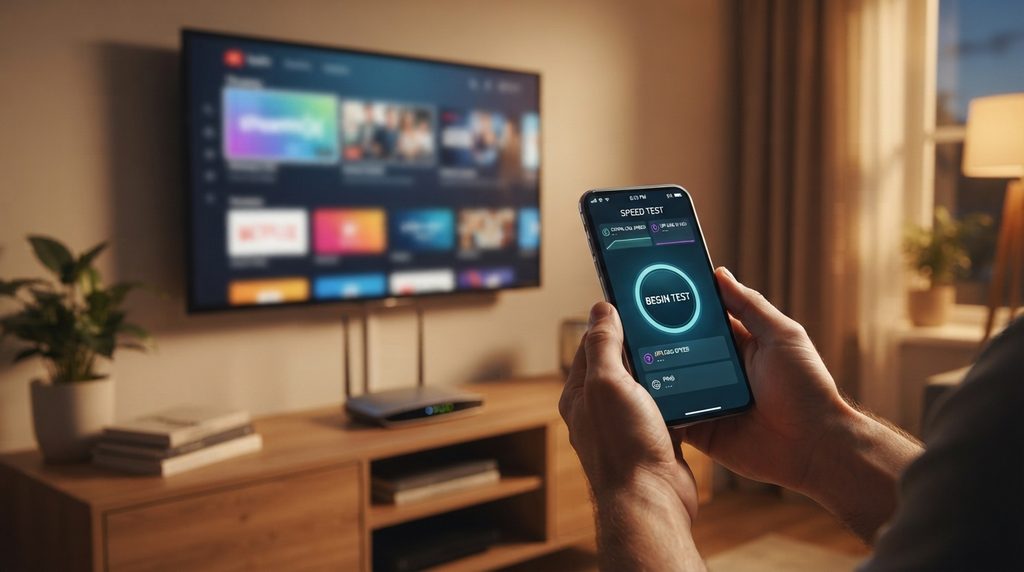
Your broadband speed is only one part of the streaming experience. A connection can achieve a good download result during a short test but still experience interruptions at other times. Firestick buffering UK problems may involve changing network conditions, especially when several devices share the same connection.
Run a Speed Test Near the Television
Run a broadband speed test using a phone or computer positioned close to your television. Perform the test during the hours when buffering normally happens, rather than relying exclusively on an afternoon result.
Record the download speed, upload speed and test time. If possible, repeat the process over several evenings to identify whether performance changes consistently. Remember that a phone measures its own connection, so the result does not guarantee identical performance on your Firestick.
For a better understanding of Firestick buffering UK problems, compare results from different locations in your home. A significant difference between the living room and the router’s location may indicate that wireless coverage deserves further investigation.
Understand Ping, Jitter and Packet Loss
Download speed is not the only measurement worth considering. Ping measures the time required for data to travel between devices and a destination server. Jitter describes variations in that timing, while packet loss occurs when some data fails to reach its destination.
These factors can influence how consistently streaming data arrives. A connection might show an acceptable download speed while experiencing temporary interruptions that affect playback.
If your testing tools provide these measurements, keep a record alongside your speed results. Understanding these additional indicators can make diagnosing Firestick buffering UK problems easier, particularly when the issue appears inconsistently during busy periods.
Pause Heavy Network Activity
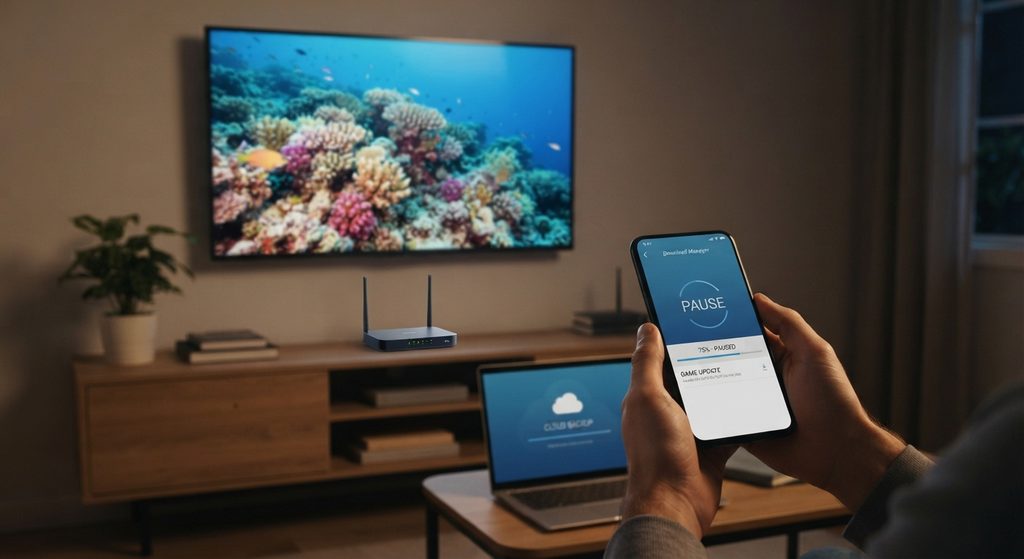
Large downloads, software updates and cloud backups can consume considerable network capacity. When several activities happen simultaneously, available bandwidth may become limited.
Temporarily pause a large download or game update and test the same programme again. You can also compare playback when fewer devices are actively streaming or downloading information.
This does not mean that every household activity must stop whenever someone watches television. Instead, it helps establish whether network demand contributes to Firestick buffering UK problems. If playback improves consistently when heavy downloads are paused, your household network may need better scheduling or more effective bandwidth management.
Restart the Router Correctly
Routers operate continuously, and temporary software or connection problems can occasionally affect performance. A restart may help restore normal operation when the router has developed a temporary fault.
Follow your broadband provider’s instructions for restarting the equipment. Allow the router enough time to reconnect fully before testing the Firestick again. Avoid repeatedly switching the power on and off in quick succession.
If Firestick buffering UK problems continue across several devices, check your provider’s service information for reported faults or maintenance. A restart cannot repair a damaged broadband line or resolve every external network issue, so further investigation may be necessary.
Fix Firestick App, Storage and Power Issues
If other devices stream normally, it makes sense to investigate the Firestick itself. Temporary application problems, limited storage and outdated software can affect everyday performance. These checks are particularly useful when Firestick buffering UK problems appear on one device rather than throughout your household.
Restart the Firestick and Check for Updates
A restart can clear temporary software problems and background processes that have stopped responding correctly. Use the restart option available in your Fire TV settings. Depending on the model and software version, the option may appear under My Fire TV or Device & Software.
After restarting, check whether a Fire TV software update is available. Installing supported updates can provide security improvements, compatibility changes and general performance refinements.
When investigating Firestick buffering UK problems, test the same application and programme after restarting. Changing several settings simultaneously makes it difficult to understand which adjustment actually helped.
Clear App Cache and Check Storage
Streaming applications use temporary cache files to store information that can help them load content more efficiently. Over time, these files can occasionally contribute to application problems.
Open the Fire TV settings and locate the installed application that is experiencing difficulties. Where available, use the option to clear its cache, then reopen the application and test playback.
Be careful to distinguish clearing cache from clearing application data. Removing full app data may delete local preferences or sign-in information, meaning you could need to configure the application again.
Low available storage can also affect general navigation. If Firestick buffering UK problems occur alongside slow menus or delayed remote responses, review your installed applications and remove software you no longer use.
Check the Power Supply and HDMI Connection
An unreliable power connection can contribute to unexpected restarts, freezing or general device instability. Use the compatible power adapter and cable recommended for your Firestick rather than relying on an unsuitable television USB port.
Check that the cable is securely connected and that the power socket works correctly. Also inspect the HDMI connection to ensure the streaming device is properly attached to the television.
These checks are worthwhile when investigating Firestick buffering UK problems because power-related faults can sometimes resemble software or network problems. However, a secure power connection will not solve every buffering issue, particularly when the underlying cause is weak Wi-Fi or a streaming service fault.
Give the Device Enough Space to Stay Cool
Streaming devices can become warm during extended viewing sessions. Restricted airflow, enclosed television cabinets and nearby heat sources can make temperature management more difficult.
Keep the Firestick away from direct heat sources and avoid covering its ventilation areas. If the device is installed behind a television, a compatible HDMI extender may help provide additional space.
When looking into Firestick buffering UK problems, remember that overheating is only one possible explanation. A warm device does not automatically indicate a fault, but providing suitable ventilation is a sensible part of maintaining a reliable setup.
Choose the Right Support for Firestick Buffering
Once you have completed the basic checks, use your observations to decide where to seek assistance. Firestick buffering UK problems can originate from different parts of the viewing setup, so contacting the appropriate support team can save time.
Contact the Streaming Service About One App
If only one application experiences buffering, contact the relevant streaming service through its official support channel. Check its service-status page first to see whether a temporary interruption has already been identified.
Provide useful information, including your device model, application version, programme affected and approximate time of the problem. Mention whether other applications work normally.
This information helps the provider investigate Firestick buffering UK problems that may involve application compatibility, account settings or temporary service interruptions.
Contact Your Broadband Provider About Connection Problems
If several devices experience slow connections or buffering, your broadband provider is a sensible next point of contact.
Explain when the interruptions happen and provide any speed-test results you have collected. Mention whether the issue affects every room or only one particular location.
Your provider may be able to investigate local service interruptions, line faults or network congestion. When discussing Firestick buffering UK problems, clear timestamps and test results are generally more useful than simply reporting that streaming is slow.
Contact Amazon About Ongoing Device Problems
If multiple applications continue experiencing problems after basic troubleshooting, consult Amazon’s official Fire TV support resources.
Have your device generation, software version and a list of completed troubleshooting steps available. Include any error messages that appear during playback.
Amazon support can help investigate device-specific issues and explain which additional checks are suitable for your particular model. Keeping this information ready makes it easier to investigate persistent Firestick buffering UK problems without repeating the same basic steps.
Common Mistakes to Avoid When Troubleshooting Firestick Buffering
Sometimes the troubleshooting process becomes more complicated than necessary. Making several changes at once can make it difficult to identify the original cause. A structured approach to Firestick buffering UK problems is generally more useful than immediately resetting the entire device or purchasing replacement equipment.
Avoid Factory Resets Too Early
A factory reset removes local device settings and requires you to complete the initial setup again. You may also need to sign back into applications and restore your preferences.
Before considering this option, test the network, restart the device, check available storage and investigate individual applications. A factory reset should generally remain a last resort when simpler checks have not resolved the problem.
Do Not Assume a Faster Broadband Package Will Solve Everything
Upgrading broadband may be useful for some households, but it will not automatically correct weak Wi-Fi coverage, incompatible equipment or an application fault.
Before changing your subscription, collect evidence about your existing connection. Check performance near the router and television, compare different devices and investigate whether interruptions occur across multiple services.
This approach helps you understand Firestick buffering UK problems before committing to additional monthly costs.
Avoid Unofficial Software and Unknown Downloads
Installing applications from unfamiliar sources can introduce unnecessary security and privacy risks. Stick to official application stores and trusted distribution channels wherever possible.
Review application permissions and avoid software that requests access unrelated to its advertised purpose. Keeping your device and applications updated through trusted channels is a sensible way to maintain a safer streaming environment.
Frequently Asked Questions About Firestick Buffering UK
Why Does My Firestick Buffer More in the Evening?
Evening buffering can occur when several household devices compete for broadband capacity. Nearby wireless networks may also become busier during popular viewing hours. However, Firestick buffering UK problems during the evening can also involve an individual streaming service or temporary device issue.
Can a Weak Wi-Fi Signal Cause Firestick Buffering?
Yes. A weak or inconsistent wireless signal can interrupt the delivery of streaming data. Walls, furniture, enclosed cabinets and the distance between your router and television can all influence reception. Moving the device or improving router placement may help.
Is Ethernet Better Than Wi-Fi for Firestick?
Ethernet can provide a more consistent connection because it does not depend on wireless reception. However, compatibility depends on your Fire TV model and the adapter being used. Check the manufacturer’s specifications before purchasing additional equipment.
Does Clearing the Firestick Cache Help With Buffering?
Clearing an application’s temporary cache can help when that application has developed a temporary software problem. It is not guaranteed to resolve network-related interruptions. If Firestick buffering UK problems continue across several applications, investigate the broadband connection as well.
Should I Factory Reset My Firestick?
A factory reset should normally be considered after simpler troubleshooting methods have failed. It removes local settings and requires you to configure the device again. Restarting, checking updates and clearing an affected application’s cache are better initial steps.
Why Does My Firestick Work on One TV but Not Another?
Different televisions can have different HDMI arrangements, installation positions and surrounding wireless conditions. A device positioned behind a television with restricted signal reception may perform differently from one installed in an open area. Compare the setup and connection conditions before assuming the television itself is faulty.
Conclusion: Enjoy More Reliable Firestick Streaming
Finding the cause of buffering is easier when you approach the problem one step at a time. Start by testing another application, comparing the Firestick with other devices and checking whether interruptions happen at particular times.
Next, investigate Wi-Fi reception, router placement, broadband performance, available storage and device software. Make one adjustment at a time and test the same programme again so you can understand whether the change made a difference.
If Firestick buffering UK problems continue, use your collected information to contact the streaming service, broadband provider or Amazon support team. A careful troubleshooting process can help you avoid unnecessary purchases, protect your device settings and work towards a smoother, more dependable viewing experience.