IPTV Smarters Pro Subscription: The Ultimate 2026 Setup, Buying, and Streaming Guide
Cord-cutting in the United States has shifted from a niche tech trend to the standard way millions of households watch television. With traditional cable packages regularly climbing past $120 a month—and standalone streaming apps fragmenting live sports, local news, and movies across half a dozen subscriptions—viewers are looking for a unified, reliable alternative.
That search almost always leads to one specific combination: pairing a powerful media player with a high-performance iptv smarters pro subscription.
If you have spent any time researching modern internet television, you have seen the name IPTV Smarters Pro everywhere. Yet, for newcomers, the ecosystem can feel confusing. People often mistake the app itself for a channel provider, run into login errors during setup, or end up purchasing unstable service plans that buffer the second a Sunday NFL kickoff begins.
This guide cuts through the noise. Whether you are setting up your first Firestick in the living room or migrating away from an overpriced cable contract, you will learn exactly how an IPTV Smarters Pro subscription works, what separates a rock-solid US provider from a scam, how to configure every device in your house, and how to optimize your home network for zero-buffering 4K playback.
1. What Is IPTV Smarters Pro—And How Does a Subscription Actually Work?
Before spending a dime, it helps to understand a fundamental distinction that trips up almost every beginner: IPTV Smarters Pro is a media player, not a content provider.
Think of the application like a high-end Blu-ray player or a web browser. When you download the app onto your Firestick, Smart TV, or smartphone, it arrives completely empty. It contains no live TV channels, no movies, and no sports broadcasts of its own. To unlock entertainment, you need to load playlist credentials into the app—which is what you receive when you purchase an IPTV Smarters Pro subscription from a third-party service provider.
Why Has IPTV Smarters Pro Become the Industry Standard?
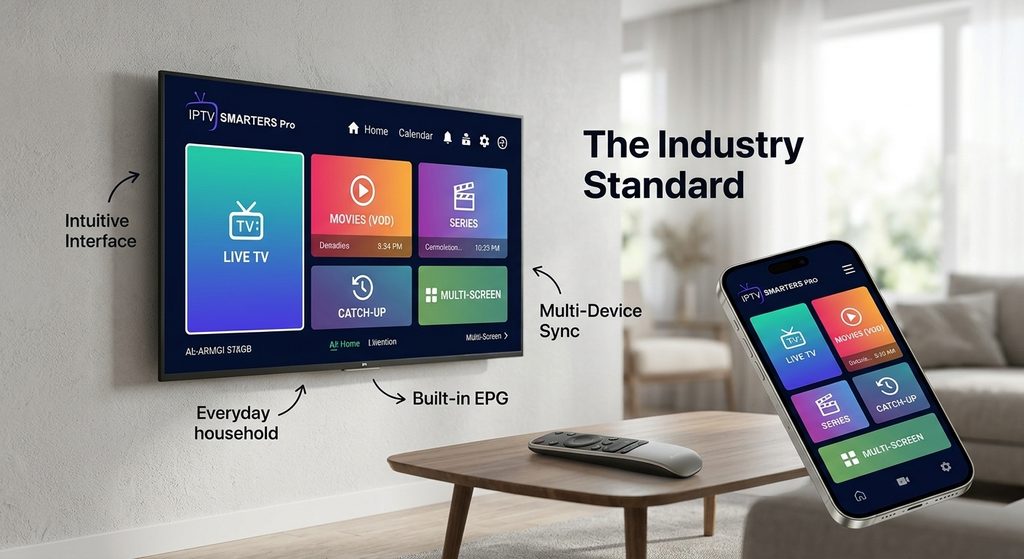
Over the last several years, dozens of IPTV players have hit the market, from TiviMate and XCIPTV to GSE Smart IPTV. Despite heavy competition, Smarters Pro remains the go-to choice for everyday households for several practical reasons:
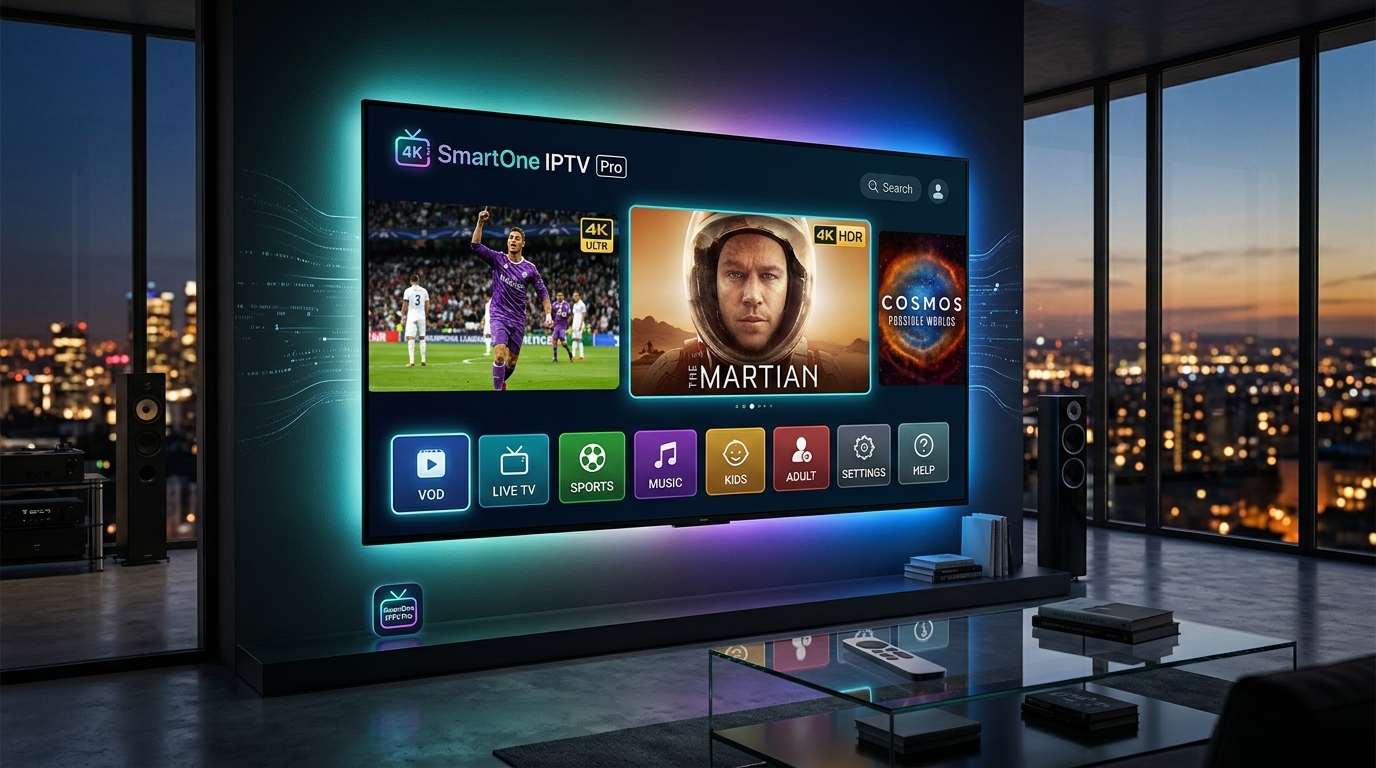
- Intuitive Cable-Like Interface: Unlike clunky open-source players that look like spreadsheets, Smarters Pro organizes content into clean, visual tiles: Live TV, Movies (VOD), Series, Catch-Up, and Multi-Screen. Anyone used to navigating Netflix or a Comcast Xfinity box can figure it out in thirty seconds.
- Xtream Codes API Integration: Older IPTV setups forced users to type long, complicated M3U URLs using a TV remote—a frustrating process prone to typos. Smarters Pro natively supports the Xtream Codes API, meaning you only need to enter three short fields: a Server URL, a Username, and a Password.
- Built-In Electronic Program Guide (EPG): A good IPTV Smarters Pro subscription automatically syncs a live TV guide directly into the player, showing what is currently airing, what is coming up next, and full episode descriptions across thousands of channels.
- Cross-Platform Consistency: Whether you are watching on an Apple TV in the bedroom, an Android tablet on a flight, or a Windows laptop at your desk, the layout and login process remain nearly identical.
2. Why US Viewers Are Switching to an IPTV Smarters Pro Subscription
For decades, American television viewers accepted rising cable bills as an unavoidable monthly utility. Today, the math no longer makes sense. Between regional sports fees, broadcast TV surcharges, and equipment rentals, the average US cable subscriber pays over $1,400 a year for a rigid channel lineup filled with networks they never watch.
Switching to a vetted IPTV Smarters Pro subscription solves the biggest pain points of modern home entertainment:
True 4K, Full HD, and 60fps Sports Broadcasts
Live sports are the ultimate stress test for any streaming service. Standard 30fps streams make fast-moving action—like an NHL puck, an NBA fast break, or a 100-mph fastball—look blurry or stuttery on large 4K screens. Top-tier providers optimized for Smarters Pro deliver dedicated 60fps feeds for major US networks (ESPN, Fox Sports, CBS, NBC, TNT, and regional sports networks), ensuring smooth motion clarity that rivals or beats traditional satellite broadcasts.
Massive Content Consolidation
Instead of juggling separate subscriptions for live local news, international channels, pay-per-view events, and on-demand cinema, an IPTV Smarters Pro subscription brings everything under one roof:
- Live Television: 10,000 to 20,000+ live channels spanning US local affiliates (ABC, CBS, NBC, FOX), UK, Canadian, European, and Latin American networks.
- Video on Demand (VOD): Massive, regularly updated libraries featuring theatrical releases, classic films, and complete seasons of trending television shows.
- Catch-Up & Recording: Missed the late-night game or your favorite primetime drama? Many providers enable 3-to-7-day Catch-Up directly inside the Smarters Pro EPG, allowing you to scroll backward in the TV guide and replay aired broadcasts instantly.
Unmatched Cost Efficiency
While a single month of YouTube TV or Hulu + Live TV costs upwards of $75 to $85 per month, a full year of a premium iptv smarters pro subscription typically costs between $60 and $110 total. For families running two or three TVs simultaneously, the annual savings easily exceed $1,000.
3. How to Choose the Best IPTV Smarters Pro Subscription (2026 Buyer’s Checklist)
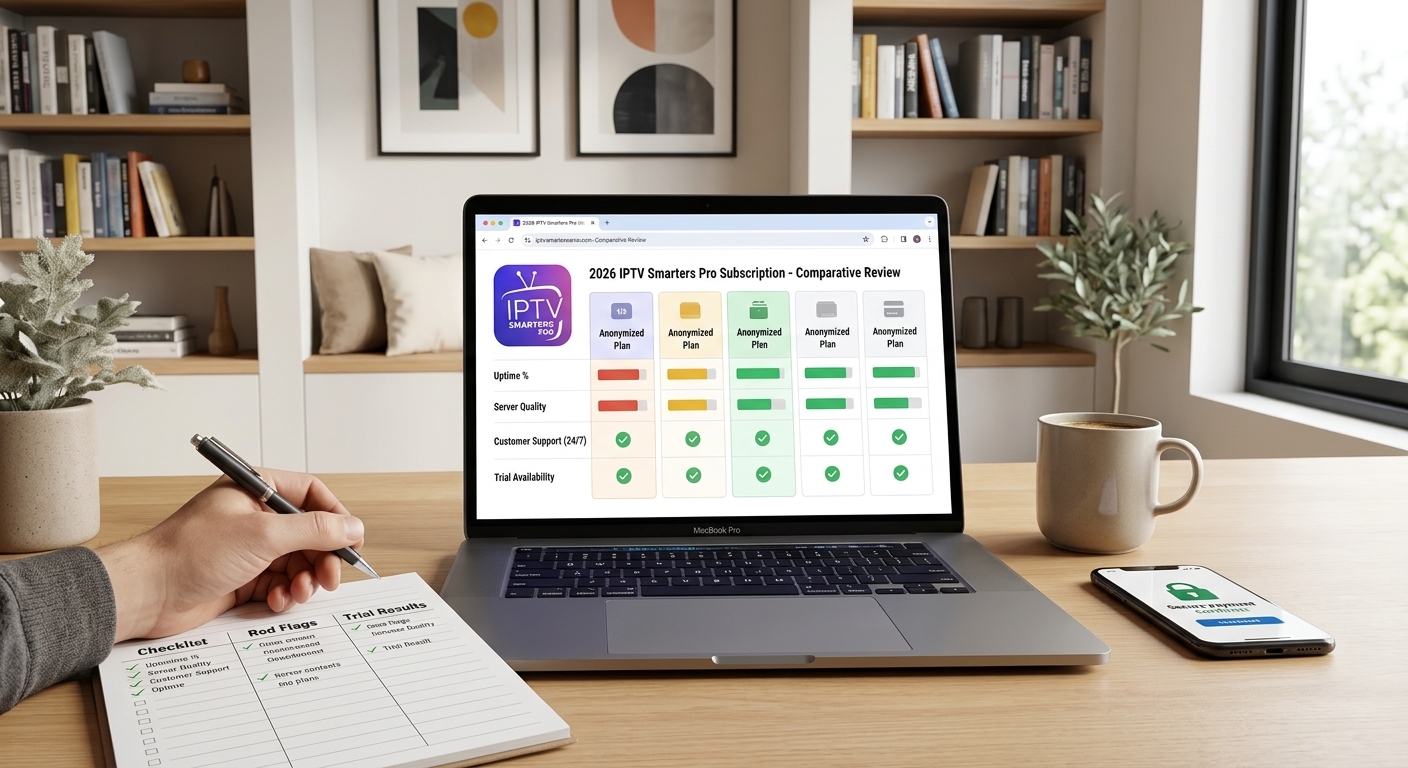
Because the IPTV market is decentralized, quality varies wildly from one seller to the next. If you search online, you will find rock-bottom $15-a-year offers alongside $15-a-month boutique services. Knowing how to evaluate a provider before committing ensures you don’t waste money on oversold, laggy servers.
1. Server Infrastructure and Anti-Freeze Technology
Buffering rarely happens because your home internet is too slow; it happens because a cheap IPTV Smarters Pro subscription provider crammed 5,000 users onto a server built for 500. Look for a quality IPTV Smarters Pro subscription backed by dedicated load-balanced servers with North American data centers (US East and US West). Low ping times between the server and your home router translate directly into instant channel switching and zero freezing during peak evening hours.
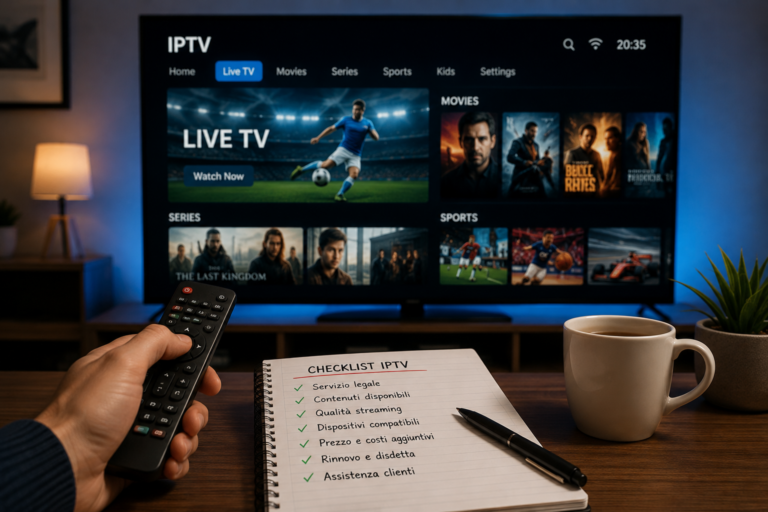
2. Always Test with a 24-Hour Free or Paid Trial
Never buy a 12-month IPTV Smarters Pro subscription blind. Reputable providers are confident in their uptime and will offer either a free 24-hour trial or a low-cost ($1–$3) test pass. When testing a trial, do not just click through random channels at 2:00 PM on a Tuesday. Test the service during peak traffic:
- Tune into a live NFL, NBA, or Premier League match.
- Check your specific local US news affiliates (e.g., WNBC New York, KABC Los Angeles, or your local city feed).
- Test the VOD section to see how fast 4K movies load and whether subtitles sync properly.
3. Multi-Connection Flexibility
A standard single-connection IPTV Smarters Pro subscription allows you to stream on one screen at a time. You can install the app on five different devices, provided only one is actively playing video. If two people in your house try to watch live TV simultaneously on a single-connection plan, both streams will freeze or kick you back to the login screen. If you have a multi-TV household, always select a 2-connection or 3-connection plan during checkout.
4. Responsive Customer Support
When a server undergoes maintenance or your IPTV Smarters Pro subscription playlist needs an update, waiting three days for an email reply is unacceptable. Prioritize providers that offer active support via Telegram, WhatsApp, or live chat tickets with response times under an hour.
Red Flags to Avoid
- Lifetime Subscriptions: Servers cost money every single month to maintain. Anyone selling a “Lifetime IPTV Smarters Pro Subscription” for $50 is planning to shut down their website and disappear within a few months.
- No Trial Available: If a seller refuses to let you test their stream quality before buying a multi-month package, walk away.
- Forced Crypto-Only Payments with Zero Brand Presence: While many legitimate providers accept cryptocurrency for privacy, trustworthy services also maintain clear setup documentation, active support channels, and transparent refund or replacement policies.
4. Step-by-Step Setup Guide: Installing and Activating Your Subscription
Once you have purchased your IPTV Smarters Pro subscription, your provider will email or message you a set of login credentials. Keep these handy—you will typically receive:
- Any Name / Profile Name: (You can type anything here, like Home TV)
- Username: (Case-sensitive)
- Password: (Case-sensitive)
- Portal / Server URL: (Usually starts with
http://followed by a domain or IP address and a port number like:8080)
Follow the exact steps below for your specific device.
Method A: Amazon Firestick & Fire TV (Most Popular US Setup)
Because Amazon removed the Smarters app from the official Amazon Appstore, you will sideload it safely in under three minutes using Amazon’s own Downloader utility.
- Turn on your Firestick and go to Settings (the gear icon on the far right) > My Fire TV > Developer Options.(Note: If you don’t see Developer Options, click About, highlight Fire TV Stick, and press the center Select button 7 times until it says “You are now a developer.”)
- Click Install Unknown Apps and turn it ON for the Downloader app (if you don’t have Downloader yet, install it free from the Amazon Search bar first).
- Open the Downloader app, click the URL box, and enter the official APK download link provided by your service or the official Smarters website (
[iptvsmarters.com/smarters.apk](https://iptvsmarters.com/smarters.apk)). - Click Go. Once the file finishes downloading, click Install, then Open.
- Select TV as your device type and click Save.
- Accept the Terms of Use, then select Login with Xtream Codes API.
- Enter the four fields from your IPTV Smarters Pro subscription email (Profile Name, Username, Password, and Server URL).
- Click Add User. The app will download your live channels, movies, and TV guide in about 15 to 30 seconds.
Method B: Samsung & LG Smart TVs
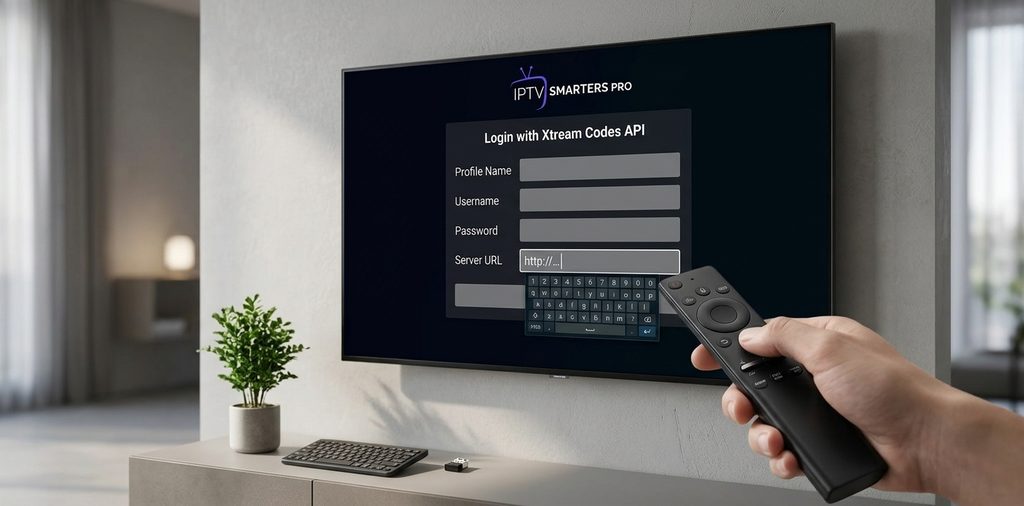
You do not need an external streaming stick to run your IPTV Smarters Pro subscription on modern Samsung (Tizen OS) or LG (webOS) televisions.
- Press the Home button on your TV remote and open the Samsung Apps store or LG Content Store.
- Use the search icon and type IPTV Smarters Pro.
- Select the official app and click Install.
- Launch the app and accept the terms and conditions.
- Choose Login with Xtream Codes API.
- Carefully type in your subscription credentials using your TV remote (or connect a wireless USB keyboard to your TV to make typing the Server URL effortless).
- Click Add User to load your dashboard.
Method C: Apple TV, iPhone, and iPad (iOS / tvOS)
Apple strictly enforces App Store guidelines, so the application appears under a slightly different official branding on iOS and tvOS devices.
- Open the Apple App Store on your iPhone, iPad, or Apple TV.
- Search for Smarters Player Lite (published by WHMCS Smarters).
- Download and open the app.
- Tap Login with Xtream Codes API.
- Input your IPTV Smarters Pro subscription details and tap Add User.
Method D: Windows PC and Mac
Watching live sports on a second monitor while working is simple with the dedicated desktop builds:
- Visit the official IPTV Smarters website on your computer browser and navigate to the Downloads section.
- Download the
.exeinstaller for Windows or the.dmgpackage for macOS. - Run the installer, launch the program, select Login with Xtream Codes API, and enter your account credentials.
5. IPTV Smarters Pro Subscription Plans & Device Comparison (2026 Overview)
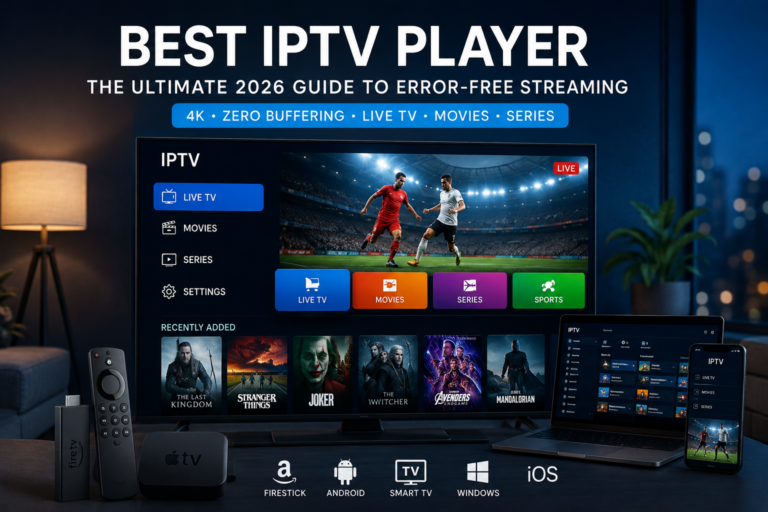
Choosing the right plan length and hardware pairing makes a massive difference in day-to-day performance. While budget streaming sticks can handle basic 1080p feeds, decoding high-bitrate 4K HEVC (H.265) streams requires decent processing power and RAM.
Subscription Tier Comparison
| Plan Duration | Typical US Price Range | Best For | Key Advantages | Potential Drawbacks |
| 1-Month Plan | $12 – $18 / month | First-time buyers testing long-term reliability | Low upfront commitment; easy to switch providers if unsatisfied | Highest cost per month over a full year |
| 3-Month Plan | $25 – $35 / quarter | Seasonal sports fans (NFL, NBA, March Madness) | Solid balance of affordability and flexibility (~$10/mo) | Requires manual renewal every 90 days |
| 6-Month Plan | $40 – $55 / half-year | Regular cord-cutters who have already tested a trial | Drops monthly cost under $9; includes priority support on most tiers | Moderate upfront cost |
| 12-Month Plan | $60 – $110 / year | Households replacing cable permanently | Best overall value ($5–$9/mo); often includes free multi-device upgrades | Must vet the provider thoroughly via trial first |
Device Performance Comparison for Smarters Pro
| Streaming Device | Installation Method | 4K & 60fps Stability | Interface Speed | Overall Verdict |
| Amazon Fire TV Stick 4K Max | Downloader App (APK) | Excellent | Fast | Best Budget Choice for living room TVs |
| NVIDIA Shield TV Pro | Google Play / APK | Industry-Leading (AI Upscaling) | Ultra-Fast | Best Overall Hardware for serious streamers |
| Apple TV 4K (3rd Gen) | App Store (Smarters Player Lite) | Excellent | Ultra-Fast | Best for Apple Households (zero bloatware) |
| Samsung / LG Smart TV (Built-In) | Native TV App Store | Good (varies by TV processor) | Moderate | Convenient, though older TVs may feel sluggish |
| Android Smartphone / Tablet | Google Play / Official APK | Excellent | Fast | Ideal for travel, commuting, and second-screen viewing |
6. How to Fix Buffering and Optimize Your IPTV Smarters Pro Subscription
Even the highest-rated IPTV Smarters Pro subscription can experience occasional hiccups if your home Wi-Fi or app settings are poorly configured. Before blaming your provider, apply these five proven tweaks used by veteran streamers to eliminate lag:
1. Switch Your Video Player Decoder Inside Smarters Settings
IPTV Smarters Pro includes multiple built-in video decoding engines. If a 4K channel has audio out of sync or stutters:
- Open Settings (the gear icon in the top-right corner of the Smarters home screen).
- Click Player Settings.
- Switch from Hardware Decoder to Software Decoder (or vice versa), then save your changes and reload the channel. Hardware decoding offloads video processing directly to your Firestick or Apple TV graphics chip, dramatically reducing heat and frame drops.
2. Adjust the Stream Format (MPEG-TS vs. HLS)
Inside Settings > Stream Format, you will see two options: MPEG-TS (.ts) and HLS (.m3u8).
- MPEG-TS delivers instant channel zapping and slightly sharper raw bitrates, making it ideal for fast, wired Ethernet connections.
- HLS breaks the video into adaptive chunks (similar to how Netflix and YouTube stream), making it far more forgiving if your Wi-Fi signal fluctuates. If you watch over Wi-Fi in a bedroom far from your router, switching to HLS often stops buffering immediately.
3. Hardwire Your Streaming Box or Use 5GHz Wi-Fi
Live 4K IPTV streams require sustained, uninterrupted bandwidth—typically 25 to 35 Mbps of steady throughput without packet loss. Standard 2.4GHz Wi-Fi bands suffer from heavy interference from neighboring routers, microwaves, and Bluetooth devices.
- Always connect your Firestick or TV to your router’s 5GHz Wi-Fi band.
- Better yet, buy a $15 USB-to-Ethernet adapter for your Firestick or plug an Ethernet cable directly into your Apple TV or NVIDIA Shield for rock-solid wired stability.
4. Clear App Cache Regularly
Over several weeks, Electronic Program Guide (EPG) thumbnails and movie posters accumulate in your device’s temporary storage, slowing down menu navigation. On Firestick or Android TV, go to Settings > Applications > Manage Installed Applications > IPTV Smarters Pro and click Clear Cache once a month. (Never click “Clear Data” unless you want to re-enter your login credentials from scratch.)
5. Use a Trusted VPN to Prevent ISP Throttling
Major US Internet Service Providers—including Comcast Xfinity, AT&T, Spectrum, and Verizon—regularly monitor heavy evening video traffic. When an ISP detects sustained high-bandwidth IPTV Smarters Pro subscription streaming from an unfamiliar server IP during peak hours (7:00 PM to 11:00 PM EST), automated traffic-shaping systems frequently throttle your connection speed, causing sudden buffering even on a 1-Gigabit fiber plan.
Running a fast, WireGuard-enabled VPN (such as Surfshark, NordVPN, or ExpressVPN) encrypts your IPTV Smarters Pro subscription traffic so your ISP cannot see what you are watching or selectively slow down your bandwidth.
7. Is Using an IPTV Smarters Pro Subscription Legal and Safe in the US?
Questions around legality and digital safety are among the most common concerns for American consumers exploring internet television—and rightly so. Understanding how the law views both the software and the service keeps you protected.
The Legality of the App vs. the Content
- The IPTV Smarters Pro Application: 100% legal worldwide. It is a legitimate software media player built by WHMCS Smarters, available openly on the Apple App Store, Google Play Store, Samsung App Store, and LG Content Store.
- The Subscription Service: The legality of an IPTV Smarters Pro subscription depends entirely on whether the third-party provider holds proper broadcasting and redistribution licenses for the channels in their package. Fully licensed US virtual cable services (like Sling TV, Fubo, or DirecTV Stream) hold explicit carriage agreements with networks. Conversely, many low-cost, international IPTV providers operate in legal gray areas without formal US broadcast licensing.
Practical Safety Habits for Every Subscriber
If you choose to use a third-party IPTV Smarters Pro subscription, follow basic digital hygiene practices to safeguard your privacy and financial data:
- Protect Your Privacy with a VPN: Beyond preventing ISP speed throttling, a VPN masks your home IP address from third-party streaming servers.
- Use Virtual Cards or Crypto for Checkout: When purchasing subscriptions from independent online vendors, avoid entering your primary debit card number. Use a virtual masked card (via services like Privacy.com or Apple Card), PayPal, or cryptocurrency to eliminate any risk of unauthorized recurring charges.
- Download Only from Official Sources: Never install modified or “cracked” APK files from random YouTube descriptions or shady forums. Always pull the installer directly from the official Smarters website or verified app stores to avoid hidden malware.
8. Frequently Asked Questions (FAQ)
Is IPTV Smarters Pro free, or do I have to pay for it?
The IPTV Smarters Pro app itself is completely free to download and use on Firestick, Android, Samsung/LG Smart TVs, Windows, and Mac. However, the app does not include any channels. To watch live TV, sports, or movies, you must purchase a paid IPTV Smarters Pro subscription from a service provider to get your login credentials.
What internet speed do I need for an IPTV Smarters Pro subscription?
For smooth, buffer-free playback, you should have at least 15 Mbps for standard HD (720p/1080p) streams and 30 to 50 Mbps for true 4K Ultra HD channels. More important than raw download speed is connection stability—low ping and zero packet loss matter far more than having a 1,000 Mbps plan over a weak Wi-Fi signal.
Can I use one IPTV Smarters Pro subscription on multiple TVs?
Yes, with an important caveat. Most standard plans include 1 active connection, meaning you can install the app on your living room TV, bedroom TV, and phone, but you can only watch on one screen at a time. If you want to watch different channels in two rooms simultaneously, you must purchase a multi-connection IPTV Smarters Pro subscription (typically 2, 3, or 4 connections).
Why does my IPTV Smarters Pro say “Invalid Details” or “Authorization Failed”?
This error almost always comes down to a simple typo when entering your credentials. Double-check that:
- There are no accidental blank spaces before or after your Username, Password, or Server URL (a common issue when copying and pasting on a phone).
- Capital and lowercase letters match your welcome email exactly.
- Your Server URL begins with
http://(nothttps://, unless your provider specifically instructs otherwise). - Your subscription hasn’t expired or reached its maximum concurrent device limit.
How do I update my channel list and TV guide (EPG)?
Providers frequently add new movies, fix broken channels, and update sports schedules. To pull the latest updates into your app, open IPTV Smarters Pro, click the Refresh icon (two circular arrows) in the top-right corner of the main dashboard, and select Refresh Live TV, Movies & Series as well as Refresh EPG.
Does IPTV Smarters Pro work with local US channels (ABC, CBS, NBC, FOX)?
Yes. Almost every US-focused IPTV Smarters Pro subscription includes dedicated folders for US Local Networks organized by city and state (New York, Los Angeles, Chicago, Dallas, Miami, Atlanta, and dozens more), allowing you to watch local news, weather, and regional NFL/MLB broadcasts live.
Final Thoughts: Making the Most of Modern Streaming
Cutting the cord shouldn’t mean sacrificing picture quality, missing live Sunday games, or juggling six different apps just to find something to watch. When paired with a reliable, well-supported provider, an IPTV Smarters Pro subscription delivers one of the cleanest, fastest, and most cost-effective television setups available today.
Take the time to test a 24-hour IPTV Smarters Pro subscription trial during peak viewing hours, configure your Firestick or Smart TV properly using the steps above, and keep your connection optimized with 5GHz Wi-Fi or Ethernet. Once your IPTV Smarters Pro subscription is dialed in, you get full control over what you watch, where you watch it, and how much you pay—without a single cable box or annual contract in sight.