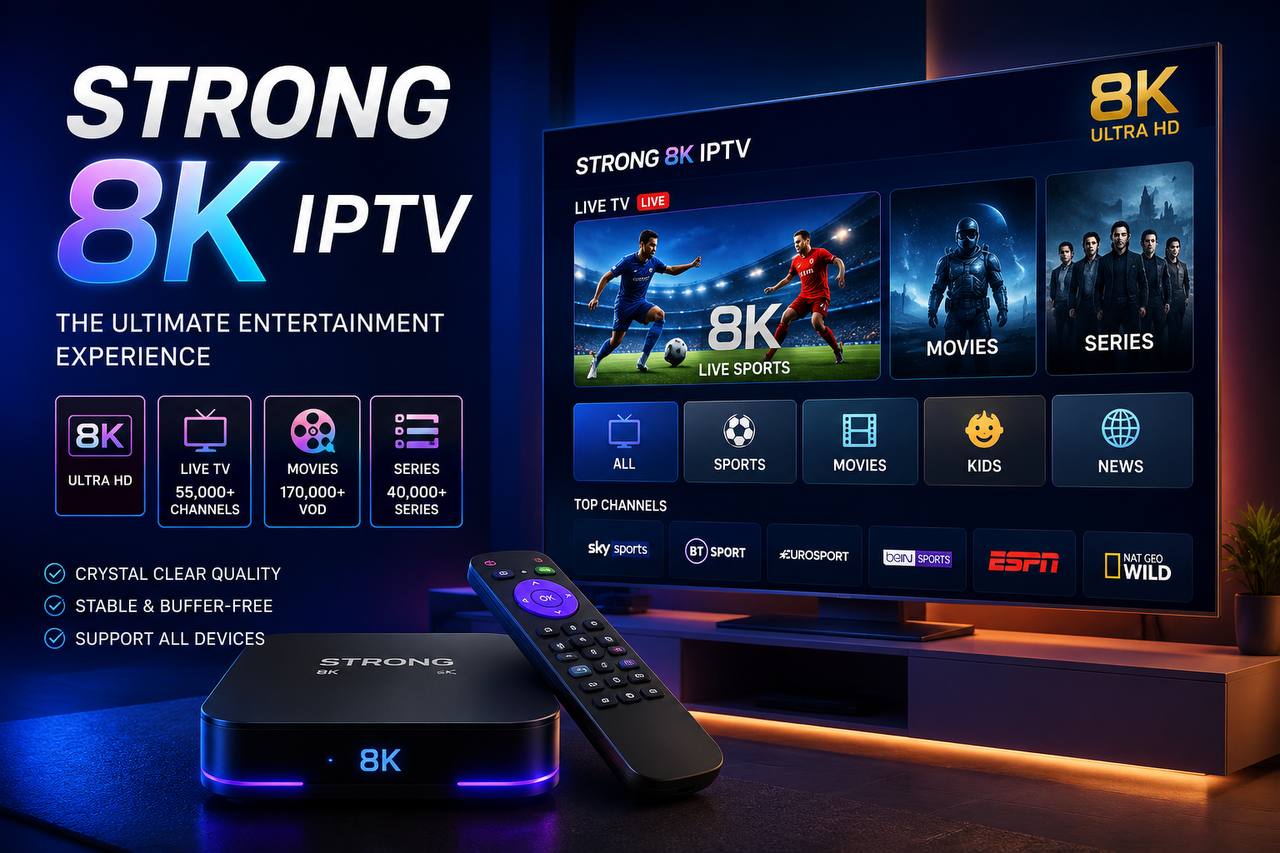
Get Strong 8k IPTV for High-Quality Streaming Today
Modern home entertainment is evolving rapidly, with viewers demanding sharp visuals and smooth playback that match modern display hardware. As high-resolution streaming becomes more common, finding a reliable Strong 8k IPTV setup is essential for getting the most out of your home theater.
This guide covers what to look for in a high-resolution IPTV service, hardware and internet requirements, user feedback, and practical steps to fix buffering or connection drops.
Table of Contents
ToggleKey Takeaways
High-resolution streaming requires both a stable provider and capable playback hardware.
A wired Ethernet connection and at least 100 Mbps of consistent bandwidth help prevent buffering.
Modern codecs like HEVC and AV1, alongside HDMI 2.1 cables, are essential for ultra-HD output.
Network optimization (such as QoS router settings and clearing app cache) resolves most playback issues.
Choosing licensed, transparent providers ensures better long-term stability and data security.
Understanding the Evolution of IPTV Technology
Television delivery has shifted from traditional antennas and coaxial cables to internet-based digital networks. This transition has changed how viewers access live broadcasts and on-demand libraries, driving demand for higher bitrates and smoother Strong 8k IPTV playback.
From Standard Definition to Ultra-HD Resolution
The jump from Standard Definition (SD) to 4K and 8K resolution on a Strong 8k IPTV stream relies heavily on modern video compression standards. These technologies allow large amounts of visual data to travel over the internet efficiently without losing sharpness, delivering clearer colors and finer detail on large screens.
The Role of Bandwidth in High-Quality Streaming
High-resolution video requires substantial real-time data transfer. Bandwidth acts as the pipeline for your stream—without enough capacity, even the best service will suffer from buffering or automatic resolution drops. A fast, consistent connection is critical for maintaining ultra-HD quality when running a Strong 8k IPTV stream.
Why Strong 8k IPTV Stands Out for Home Streaming
Viewers looking to upgrade from standard cable often turn to high-bitrate IPTV solutions for better visual fidelity and live event performance.
Visual Clarity and Bitrate Delivery
By utilizing modern compression and high-bitrate streams, a Strong 8k IPTV setup provides deeper contrast and sharper textures than compressed cable feeds. For enthusiasts with large-screen TVs, higher pixel density keeps fast-moving scenes clear rather than pixelated.
Reducing Latency for Live Sports and Events
Live sports demand real-time delivery so your stream stays synchronized with the broadcast. Low-latency server infrastructure minimizes the delay between the live feed and your screen, helping you avoid spoilers during major matches and live events.
Key Features to Look for in a Quality IPTV Service
Evaluating a streaming provider involves looking beyond pricing and focusing on technical reliability and content access.
Server Stability and Uptime Reliability
Consistent uptime is the foundation of a dependable Strong 8k IPTV setup. Look for providers that invest in high-capacity servers to prevent peak-hour congestion and unexpected downtime during popular broadcasts.
Content Library Diversity and Global Channel Access
A well-rounded service balances technical stability with a diverse catalog, typically offering:
International sports networks and live event coverage.
Regularly updated on-demand movie and series libraries.
Regional news, entertainment, and cultural channels.
High-definition and ultra-HD streams across major categories.
Technical Requirements for Optimal 8K Streaming
Even the best streaming service depends on your home network and playback device meeting the right hardware standards.You can follow our complete 8K IPTV setup guide to configure everything properly from the start.
Recommended Internet Speeds
Streaming ultra-HD and 8K content requires steady throughput. Aim for a stable connection of at least 100 Mbps to handle high bitrates and provide headroom when other devices are online. Whenever possible, connect your streaming device via a wired Ethernet cable rather than Wi-Fi to avoid signal interference.
Hardware Compatibility and Device Support
Make sure your smart TV or streaming box supports 8K output and modern video codecs such as HEVC (H.265) or AV1. Choosing from the best devices for 4K and 8K IPTV prevents decoding bottlenecks, frame drops, or overheating. Additionally, use a certified HDMI 2.1 cable to support high data volumes and refresh rates.
Analyzing Strong 8k IPTV Reviews and User Feedback
Looking at real-world subscriber feedback provides a clearer picture of how a service performs across different home setups.
What Current Users Say About Performance
Most Strong 8k IPTV reviews highlight sharp picture quality during live sports and smooth playback when paired with a fast, wired internet connection. Performance can still vary depending on geographic location, local routing, and ISP traffic management during evening peak hours.
Common Praise and Areas for Improvement
Subscriber feedback consistently points to several strengths alongside a few areas where users want improvements:
Picture sharpness: Users frequently praise the crisp visual detail on modern 4K and 8K displays.
Channel variety: Broad international channel access and on-demand options stand out as major advantages.
Areas for improvement: Some users note that customer support response times during peak outages and mobile app updates could be faster.
How to Troubleshoot Connection and Buffering Issues
If you experience buffering, freezes, or Strong 8k down connection errors, a few quick checks can usually restore smooth playback.
Identifying Network Congestion and ISP Throttling
Network congestion happens when multiple devices compete for bandwidth at the same time. Additionally, some Internet Service Providers (ISPs) throttle high-bandwidth streaming traffic during evening hours. Run a speed test during peak times to check if your connection is dropping significantly.
Effective Solutions for Connection Drops
Try these steps to stabilize your Strong 8k IPTV stream:
Power cycle your router: Unplug your router for 30 seconds and plug it back in to clear temporary network glitches.
Switch to Ethernet: Use a wired connection instead of Wi-Fi to eliminate packet loss and latency spikes.
Update DNS settings: Switching to a fast public DNS (such as Cloudflare
1.1.1.1or Google8.8.8.8) can improve connection responsiveness.Clear application cache: Clearing temporary data in your streaming app often resolves playback and loading errors.
Clear application cache: Clearing temporary data in your best IPTV player app often resolves playback and loading errors.
Comparing Strong 8k IPTV Against Traditional Cable
Many households are moving away from rigid cable packages toward flexible internet streaming solutions.
| Feature | Traditional Cable | Strong 8k IPTV |
| Contract Length | 12–24 Months | No Long-Term Contract |
| Equipment Fees | Monthly Box Rental Fees | Uses Your Own Device |
| Content Access | Fixed Channel Bundles | Global Live TV + On-Demand |
| Catch-Up & Replay | Limited / Extra Cost | Built-in On-Demand & Catch-Up |
Optimizing Your Home Network and Privacy
Fine-tuning your router settings and protecting your connection ensures consistent playback and digital privacy.
Router Settings and Device Prioritization
If you use Wi-Fi for Strong 8k IPTV, connect to the 5GHz or 6GHz band rather than the slower 2.4GHz band, and keep your router in an open central spot. Enabling Quality of Service (QoS) in your router settings lets you prioritize streaming traffic so downloads on other devices do not interrupt playback.
| Connection Type | Stability | Latency | Best Use Case |
| Ethernet (Cat6) | Excellent | Very Low | Primary 4K/8K Streaming |
| Wi-Fi 6 / 6E | Good | Low | Living Room Smart TVs |
| Wi-Fi 5 (2.4GHz) | Moderate | Variable | Browsing & Mobile Devices |
Security and Privacy Best Practices
Using a reputable VPN with your Strong 8k IPTV connection encrypts your internet traffic, hides your IP address, and helps prevent ISP bandwidth throttling. Always pair your streaming accounts with strong, unique passwords and stick to secure payment methods.
Legal and Ethical Considerations
Choosing legitimate, authorized streaming providers protects both viewers and content creators. Selecting a safe and legal IPTV plan ensures compliance with regional broadcasting rights, reliable customer support, and protection against sudden service shutdowns.
| Feature | Authorized Provider | Unauthorized Service |
| Content Licensing | Fully Licensed | Unlicensed |
| Service Reliability | High Uptime | Frequent Outages |
| Data Security | Strong Encryption | High Privacy Risk |
| Customer Support | Dedicated Support | Little to None |
Conclusion
Getting the best experience from Strong 8k IPTV comes down to combining a dependable provider with the right home network and hardware setup. With a fast wired connection, compatible decoding hardware, and proper security practices, you can enjoy sharp, uninterrupted streaming across your favorite live channels and on-demand titles.
FAQ
What differentiates Strong 8k IPTV from standard streaming services?
It focuses on high-bitrate ultra-HD streams, broad international channel selection, and low-latency delivery for live sports, offering greater flexibility than traditional cable bundles.
What internet speed is required for stable 8K streaming?
A consistent connection of at least 100 Mbps is recommended for ultra-HD and 8K playback, ideally over a wired Ethernet connection to prevent speed drops.
What do Strong 8k IPTV reviews say about reliability?
Most user reviews praise the sharp picture quality and wide channel library, while noting that stable local internet speeds and modern streaming hardware are key to avoiding buffering.
What should I do if Strong 8k is down or buffering?
First check your internet speed, restart your router, clear your streaming app’s cache, and switch from Wi-Fi to Ethernet. If your network is fine, check whether your ISP is throttling traffic or if the provider is undergoing maintenance.
Which devices support high-resolution 8K playback?
Modern 8K-capable Smart TVs and dedicated streaming boxes that support HEVC (H.265) or AV1 hardware decoding, paired with an HDMI 2.1 cable, deliver the best results.